
When are you all free?
Add your class schedule, choose which friends can see it, and Gapsi finds the moments you are free together: lunch at the canteen, a coffee between lectures, the study room before an exam.
Coming soon to Google Play and the App Store.
Wednesday
8:30–17:30You decide what they see
For each friend, or a whole group, choose whether they see only when you are busy or also what you are doing. Change it whenever you like; it applies at once.
- Until you choose, nobody sees anything.
- Your data stays on servers in the European Union.
- No ads and no tracking.
- Export or delete everything from your profile in a minute.
Marco sees
Level: details
10:00–11:30
Luca sees
Level: busy only
Made for a university timetable
- Week A and B, term dates
- For courses on alternate weeks and lectures that end in December.
- Don't start from scratch
- Copy the blocks of a friend who takes the same courses, then adjust them: your schedule is ready in a minute.
- Groups with chat and polls
- "Canteen at 1 tomorrow?" and everyone answers with one tap. Each group already shows its next common gap.
- Who is free now
- At the top of the calendar you see which friends are free right now, and until when.
- Lecture cancelled?
- Move or cancel a block for one week only, without touching the rest of your schedule.
- Find a time
- Choose how long and in which part of the day: Gapsi tells you when almost everyone can make it, and who is missing.
What it looks like
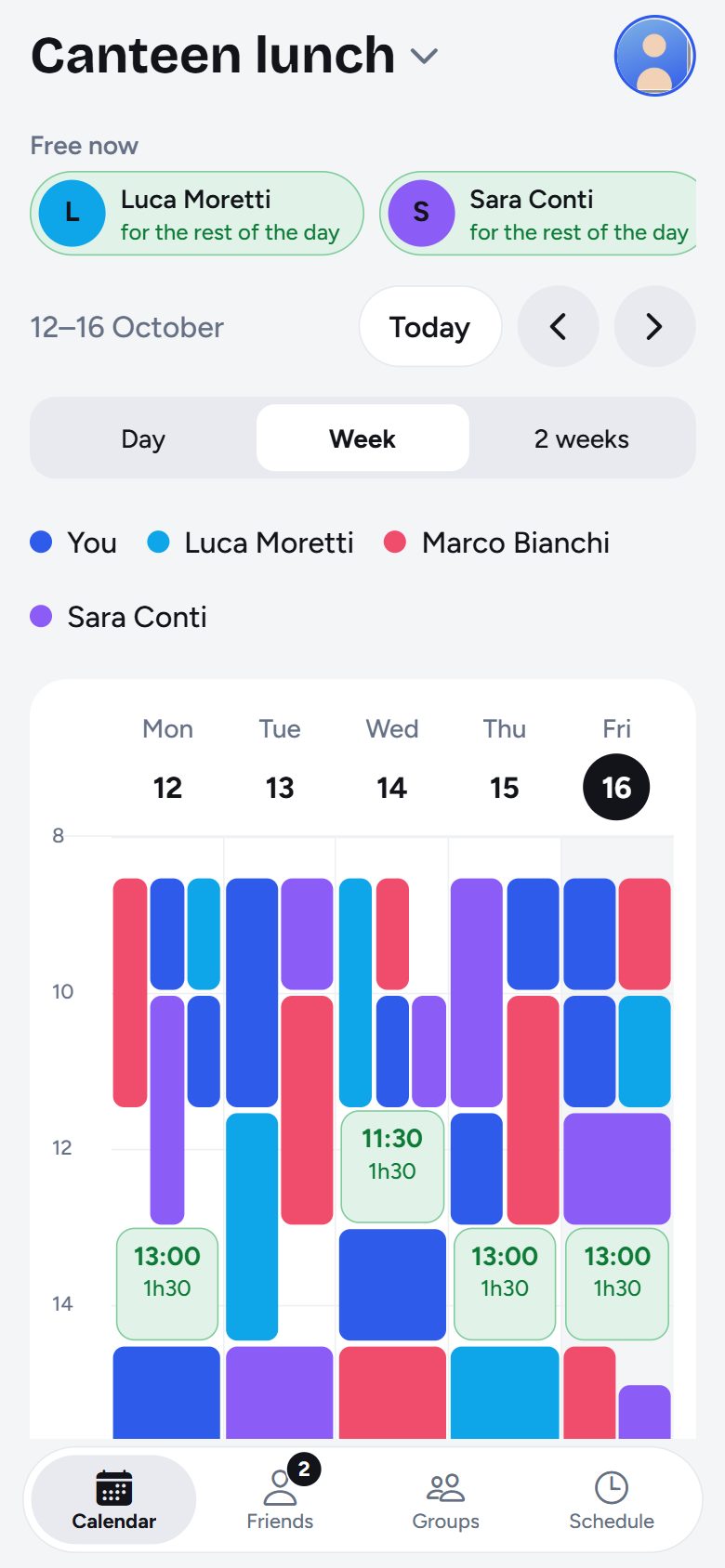
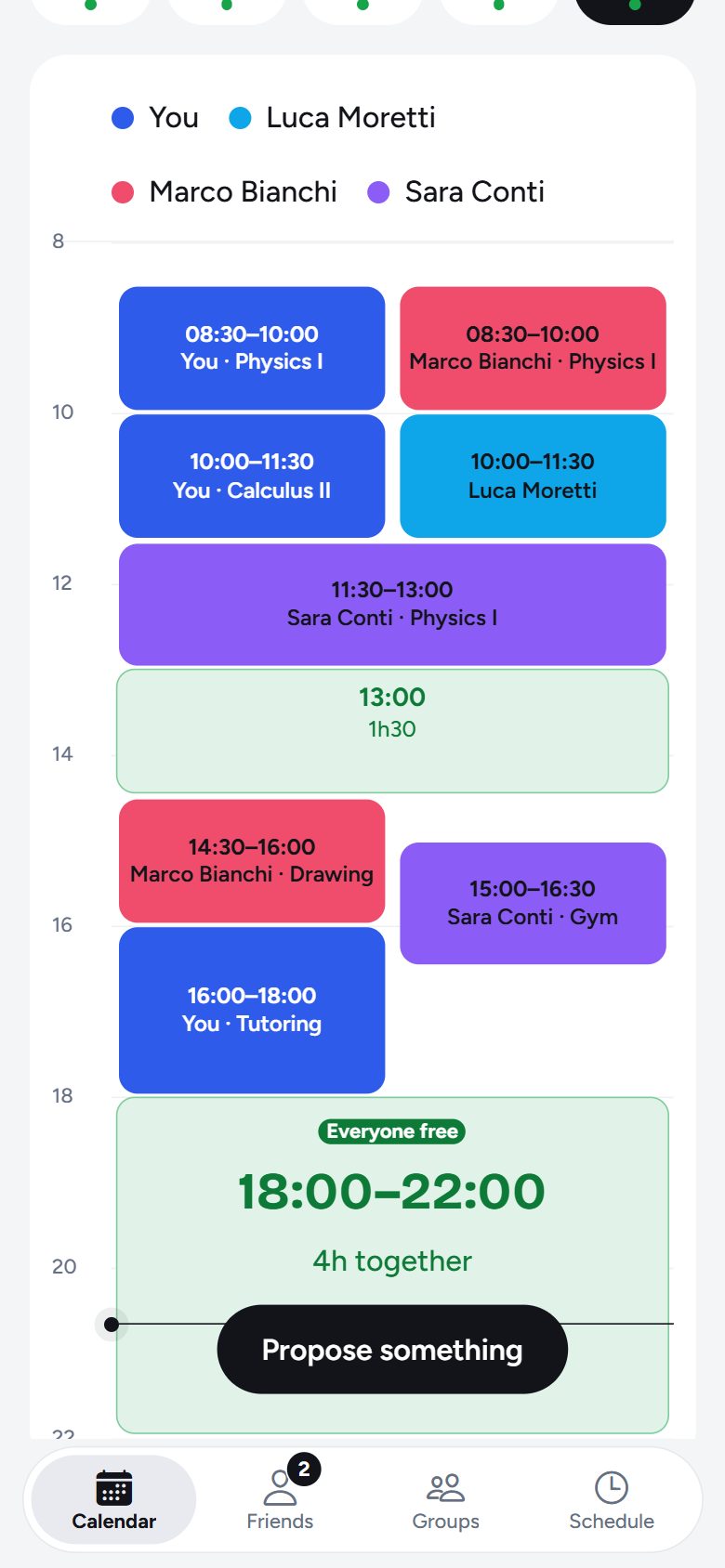
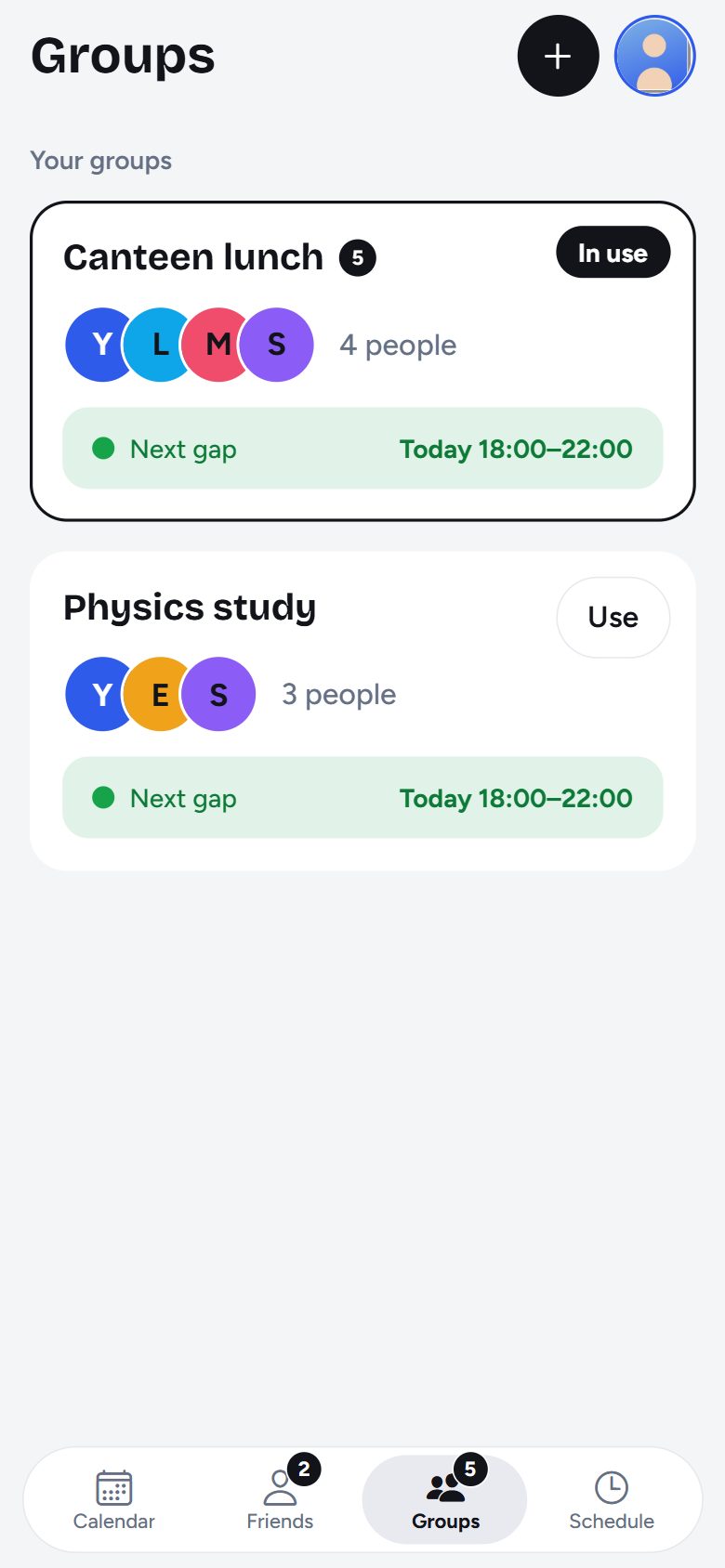
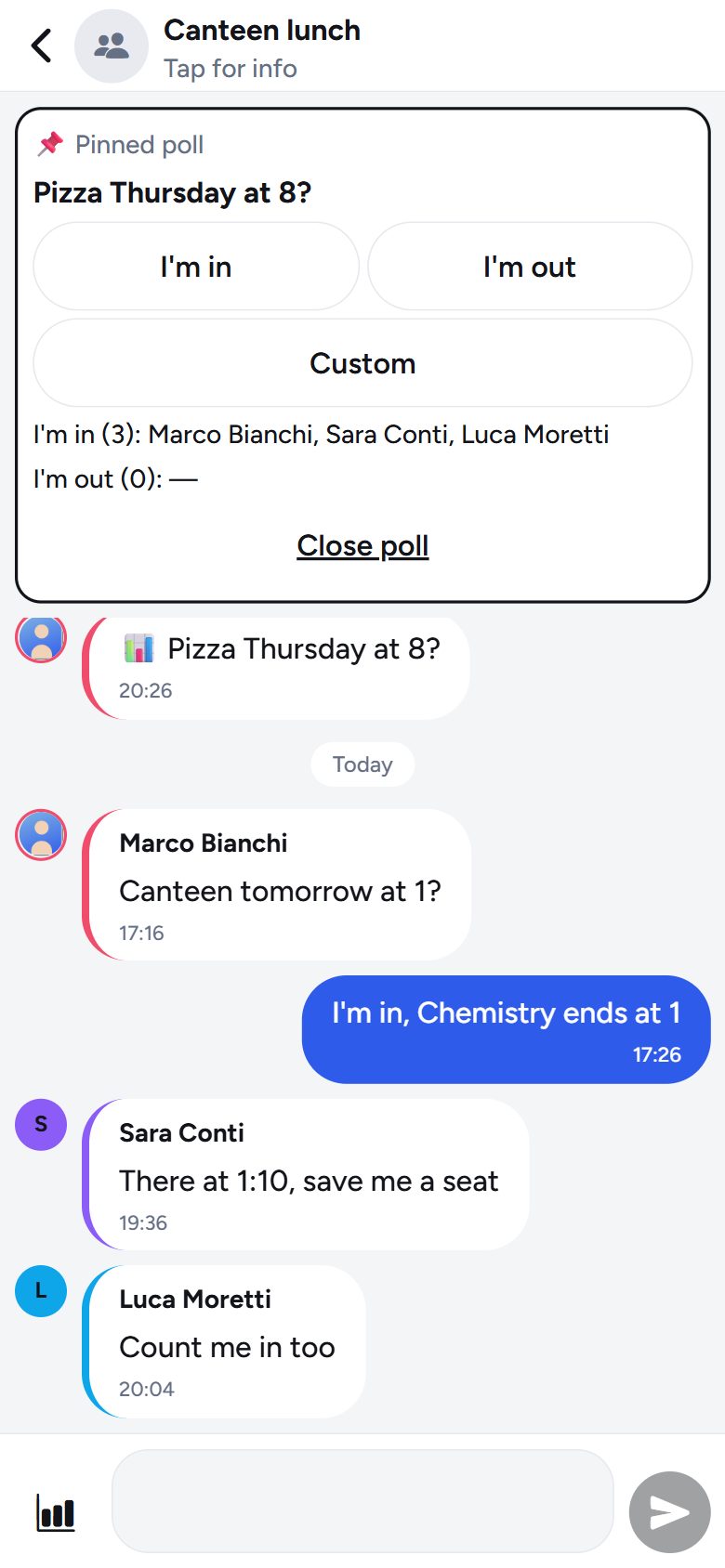
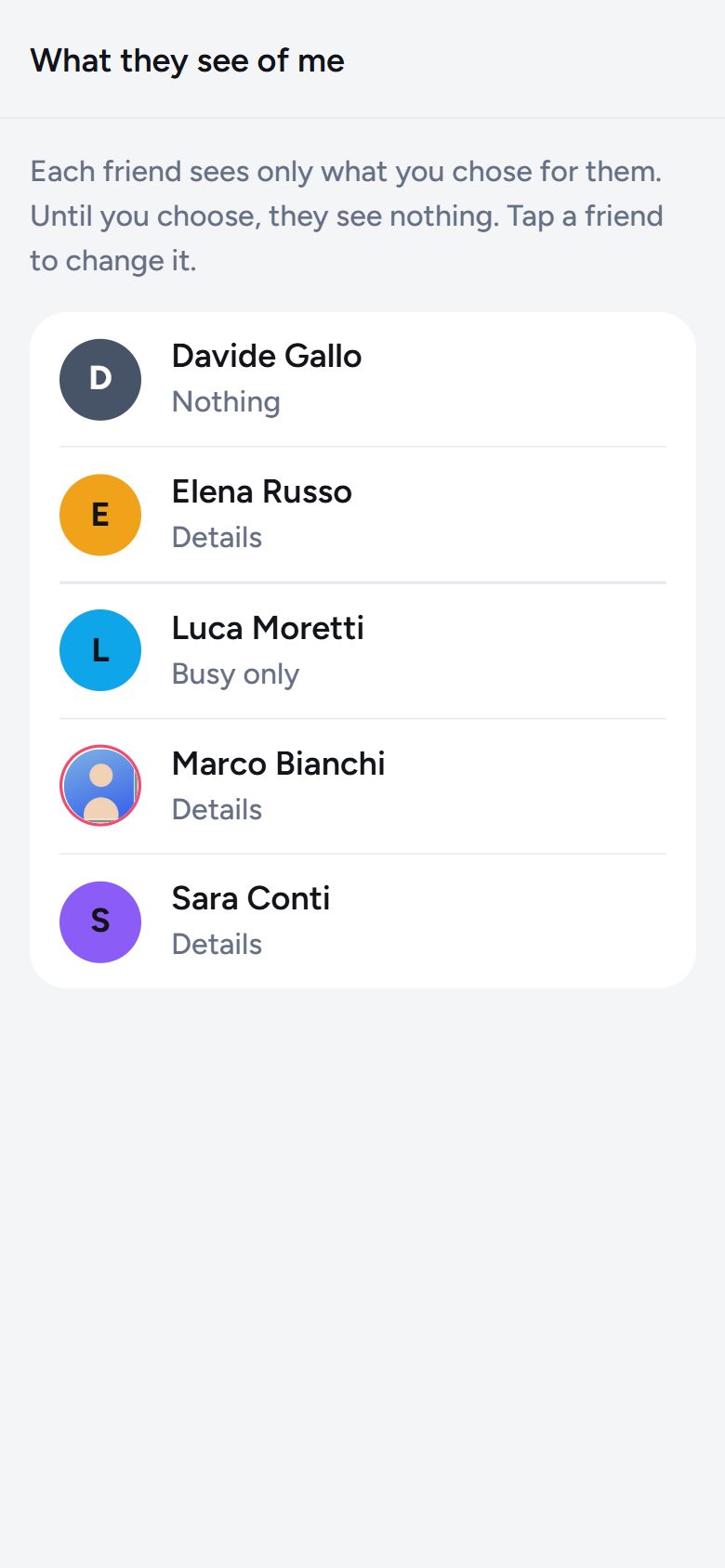
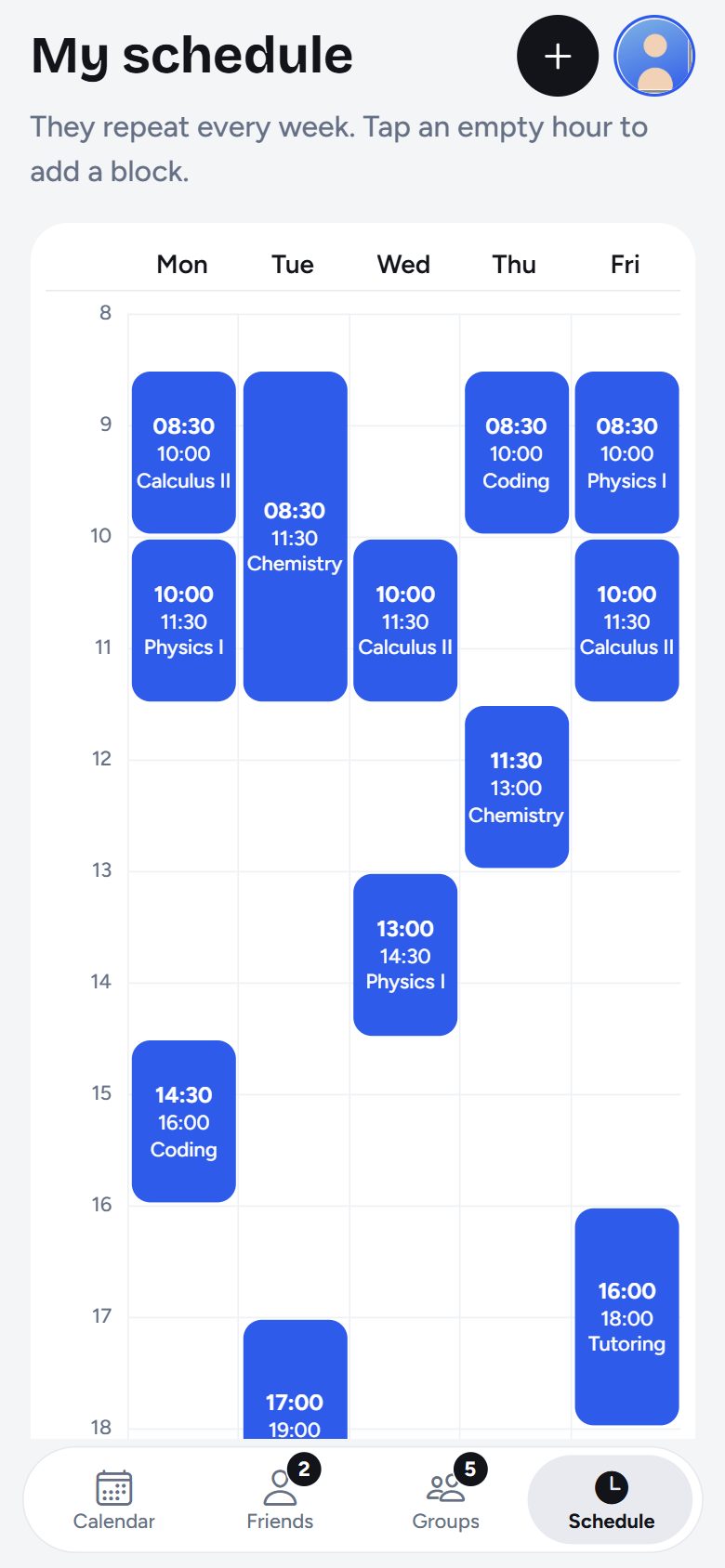
Screens from the app, which is in Italian or English as you choose.
Questions
Do my friends need it too?
Yes: Gapsi compares the schedules of the people who use it. Send an invite link from your profile; whoever opens it adds you as a friend straight away.
Do my friends see my whole schedule?
Only what you choose. With "busy only" they see when you are busy, not what you are doing. You can change your mind at any time.
Do I have to type my schedule in?
It takes a couple of minutes: add a lecture once and it repeats every week. Or copy the blocks of a friend who shares details with you.
Is there an iPhone app?
Yes, it is coming soon to the App Store.
How do I delete my account?
In the app, in a minute: tap your photo at the top right, then Delete account. All the details are on the delete account page.
Want to try it early?
Gapsi is about to launch on Google Play and we are looking for the first testers. Write to us from the Google address you use on Google Play and we will send you the invite to download it.
Write to become a tester